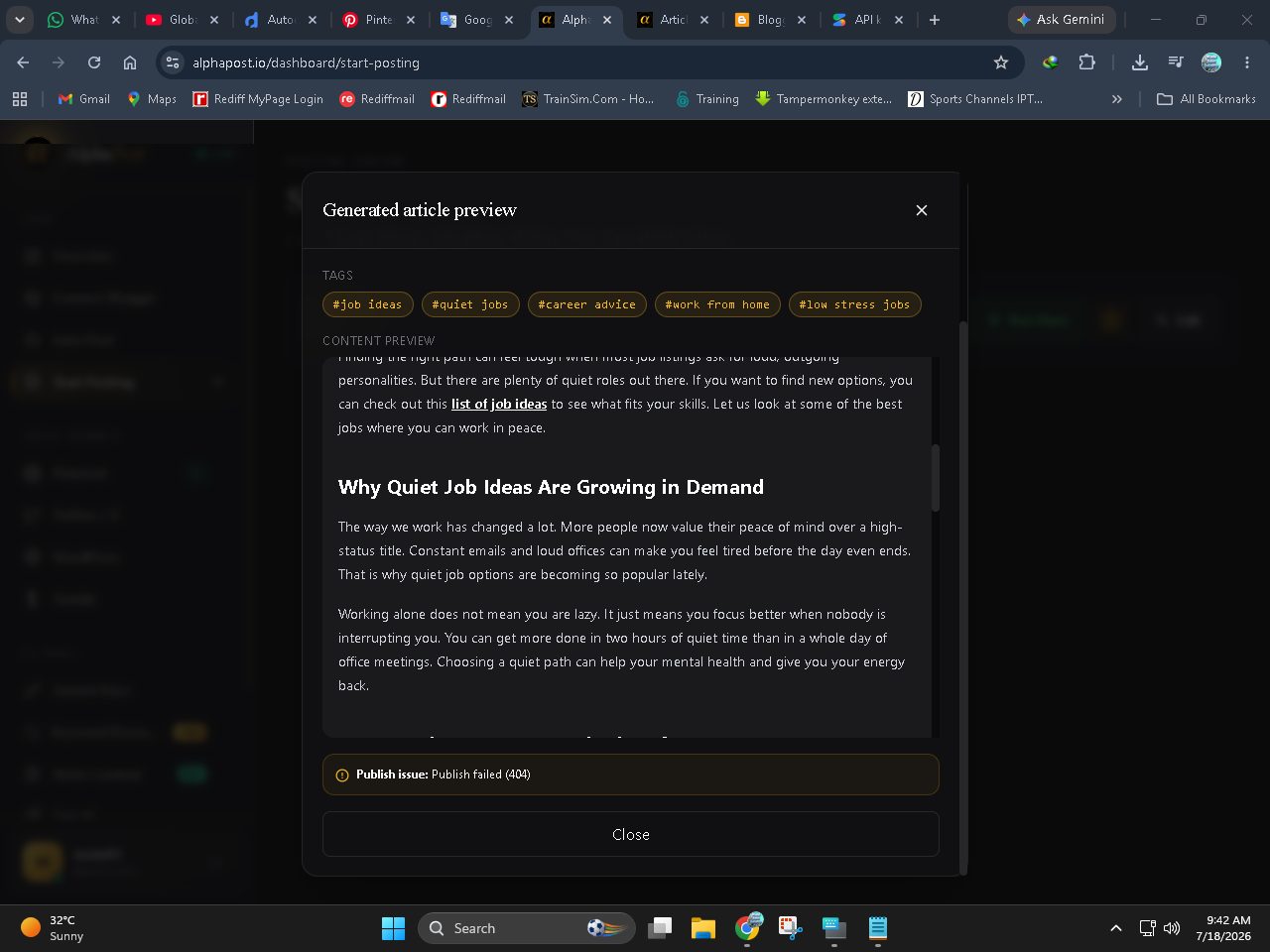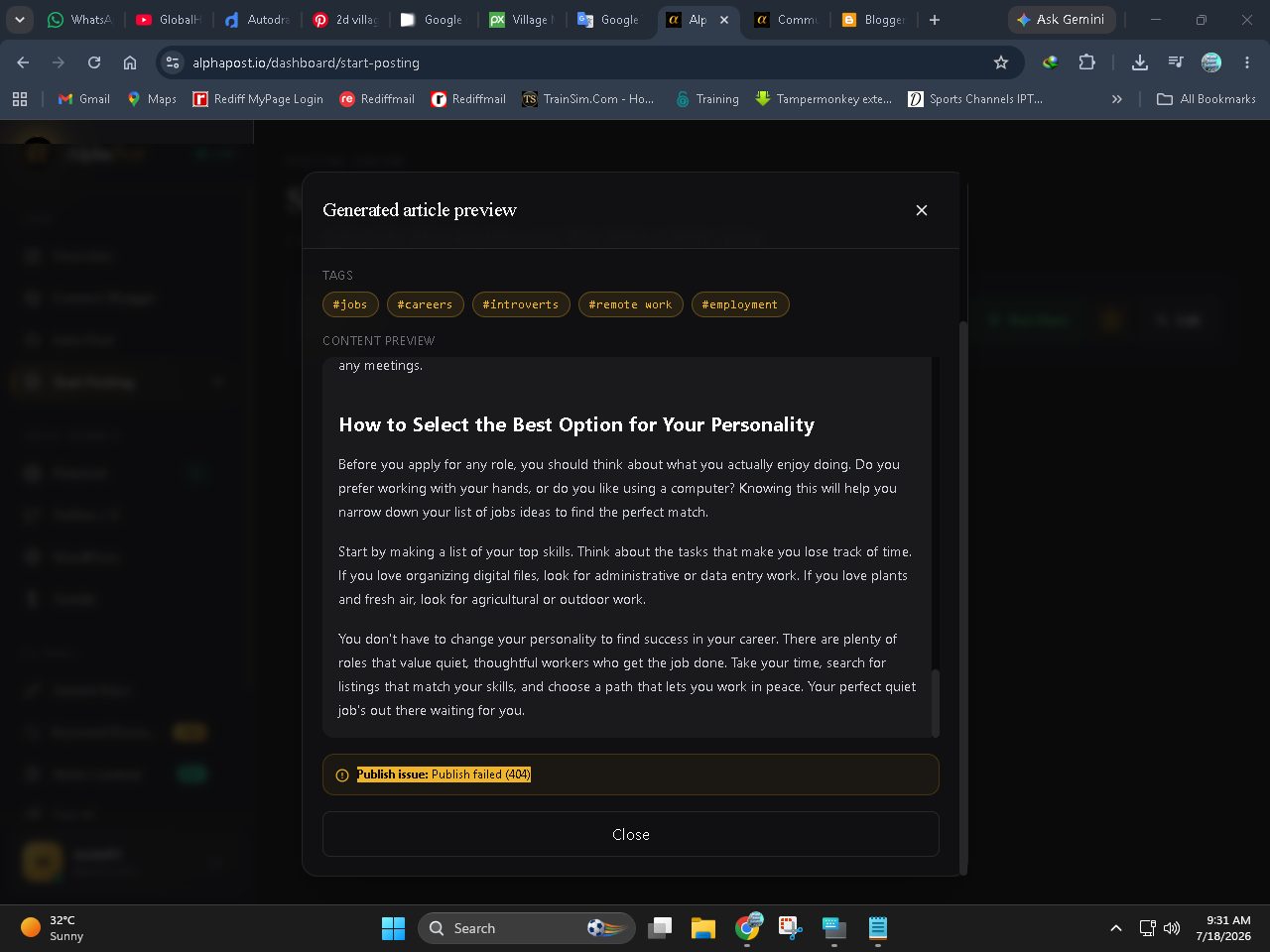
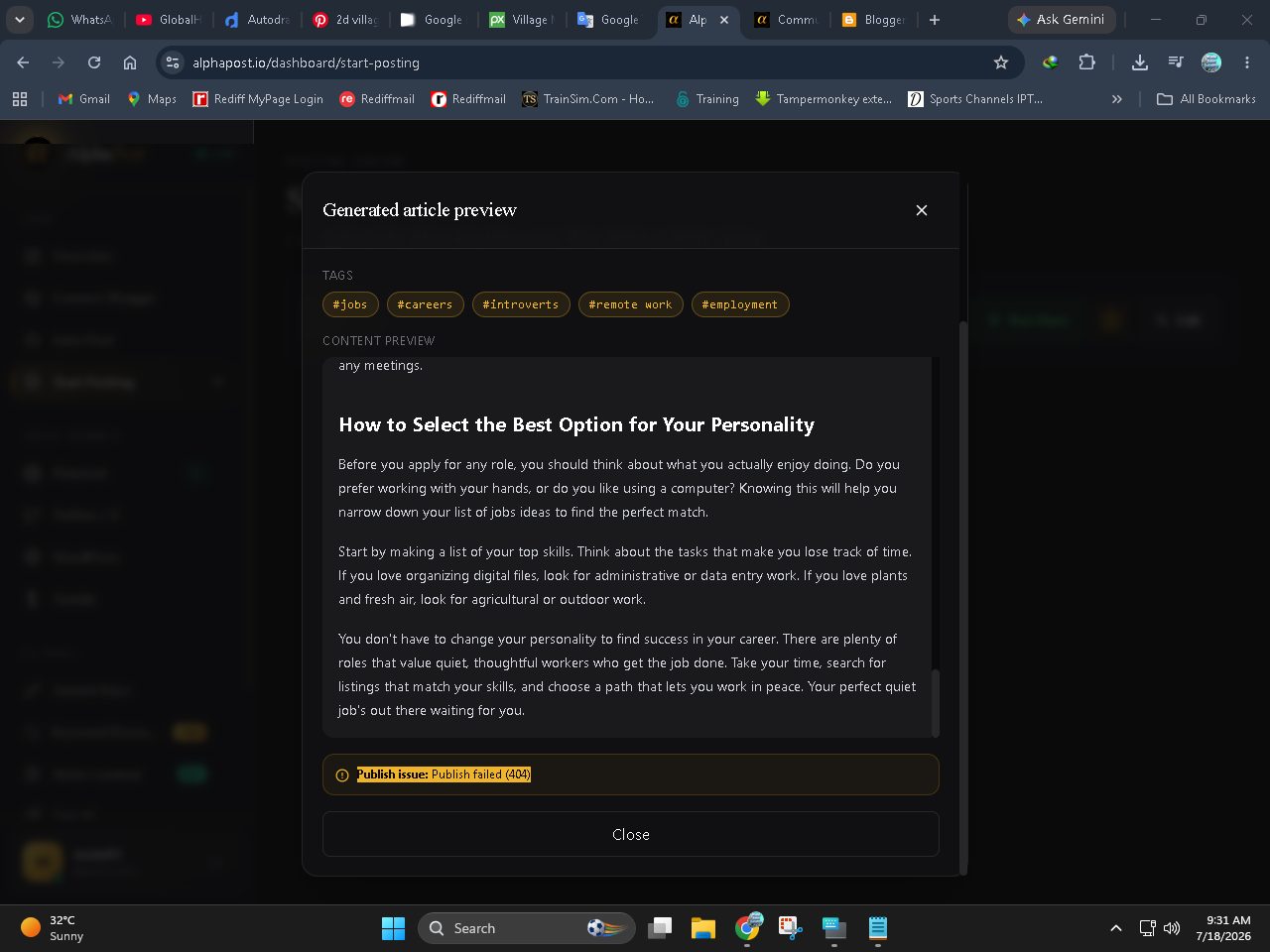
Publish issue: Publish failed (404)
Publish issue: Publish failed (404)

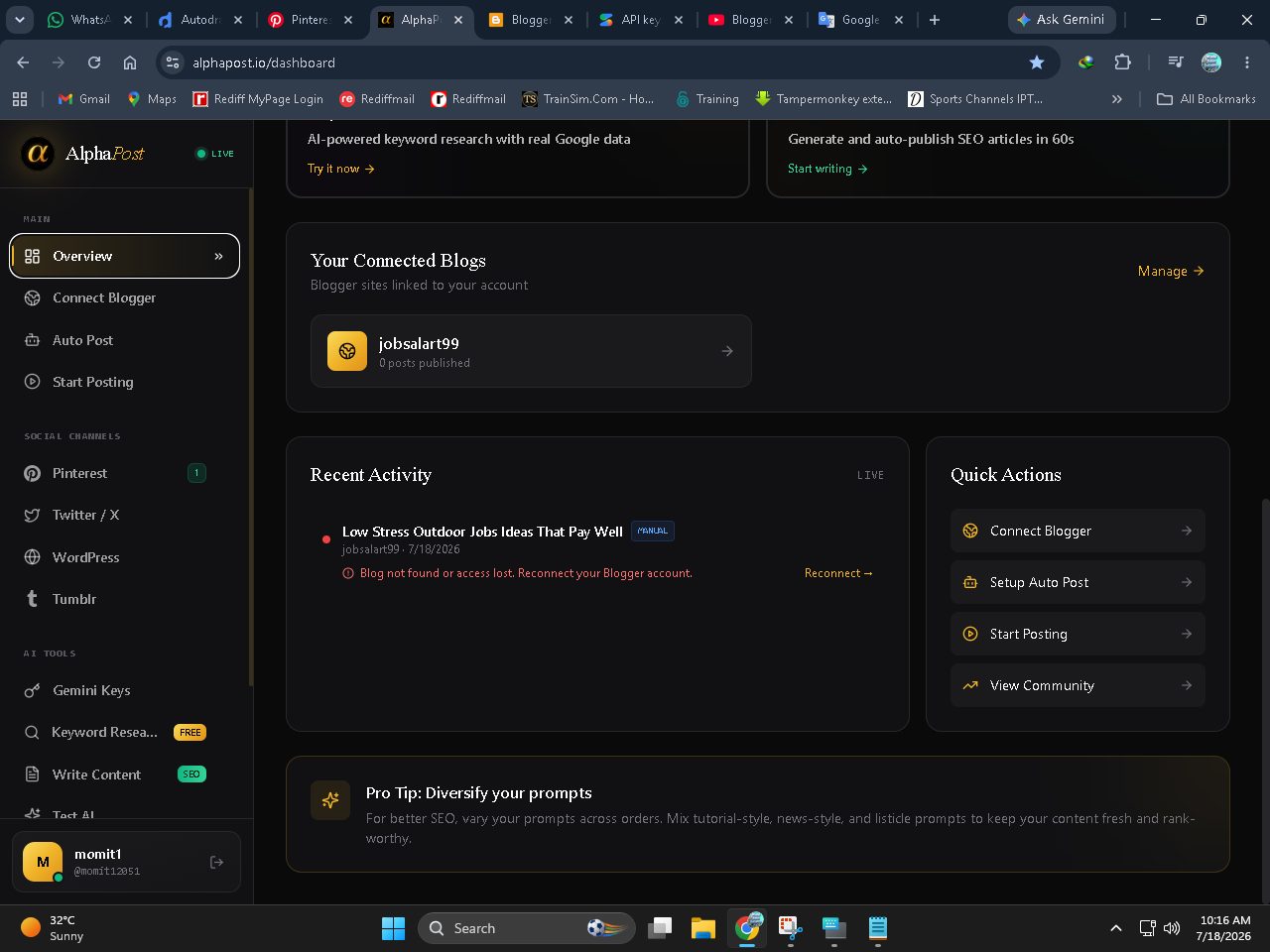
Hello dear, this 404 error usually happens when your Blogger connection token has expired due to Google's security rules. To fix this, just go to your Dashboard > Recent Activity and click the "Fix" or "Reconnect" button. Reconnecting your Blogger account will refresh the token and solve the issue right away.
Hey dear, did the reconnection work for you, or are you still facing the issue? If it is still failing, please check your Recent Activity tab and let me know what error it shows now so we can fix it.
Hey dear, I'm right here. Were you able to try the Blogger reconnection from your dashboard? If you are still facing any issues, please let me know what error message you see now so we can get it sorted.
Ah, got it dear. This usually happens when Google revokes the access token completely. Please go to myaccount. google. com/permissions, remove AlphaPost, and then reconnect your Blogger account from our dashboard. Just make sure to check all the permission boxes this time and it will work perfectly.
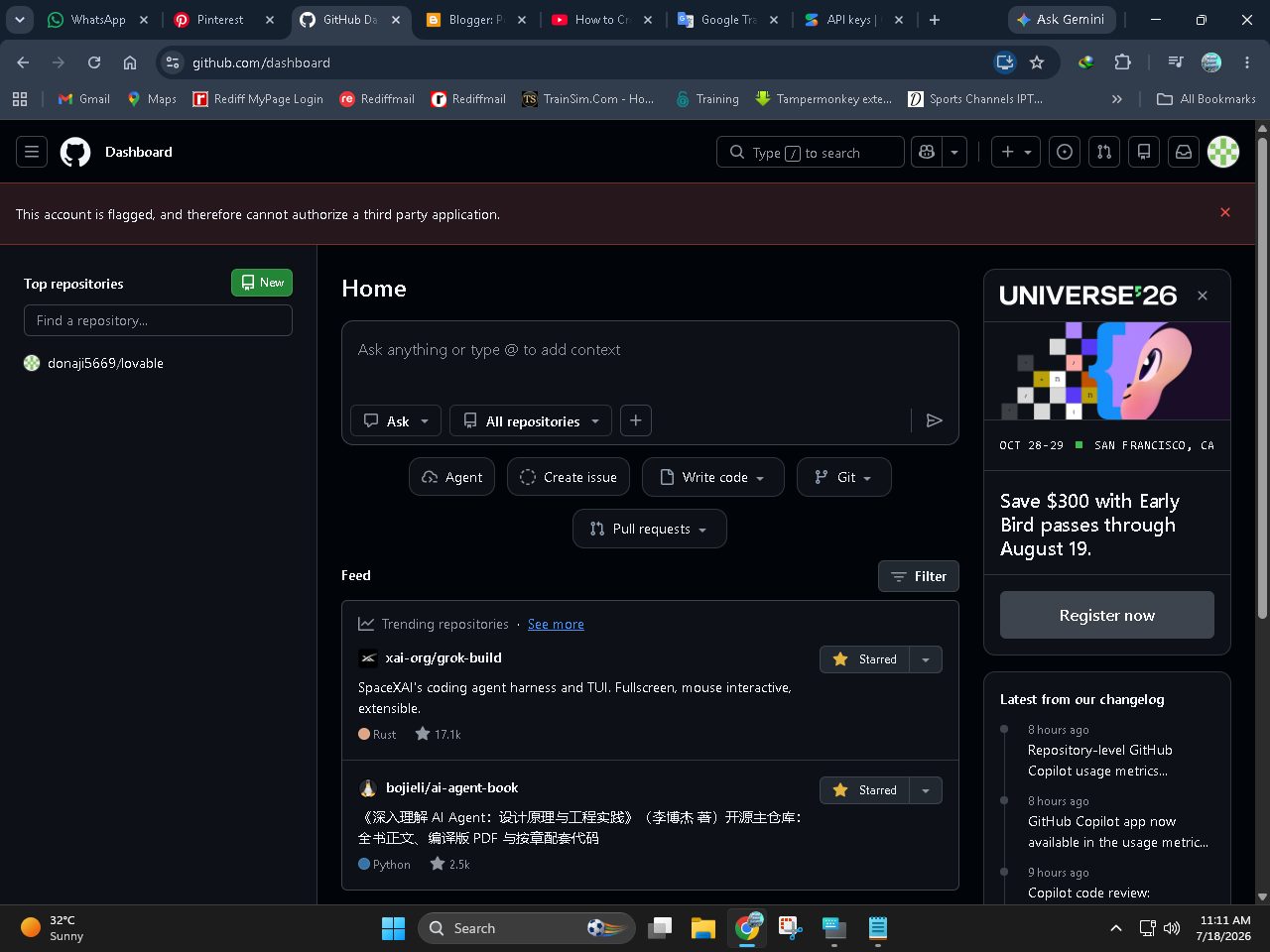
Dear, GitHub connect karte waqt exact kya error aa raha hai? Ek baar check karein ke browser ka popup blocker to active nahi hai. Aur fikar mat karein, GitHub auth ke baad aapka form data khud hi restore ho jayega. Mujhe error batayein taake main isey check karu.
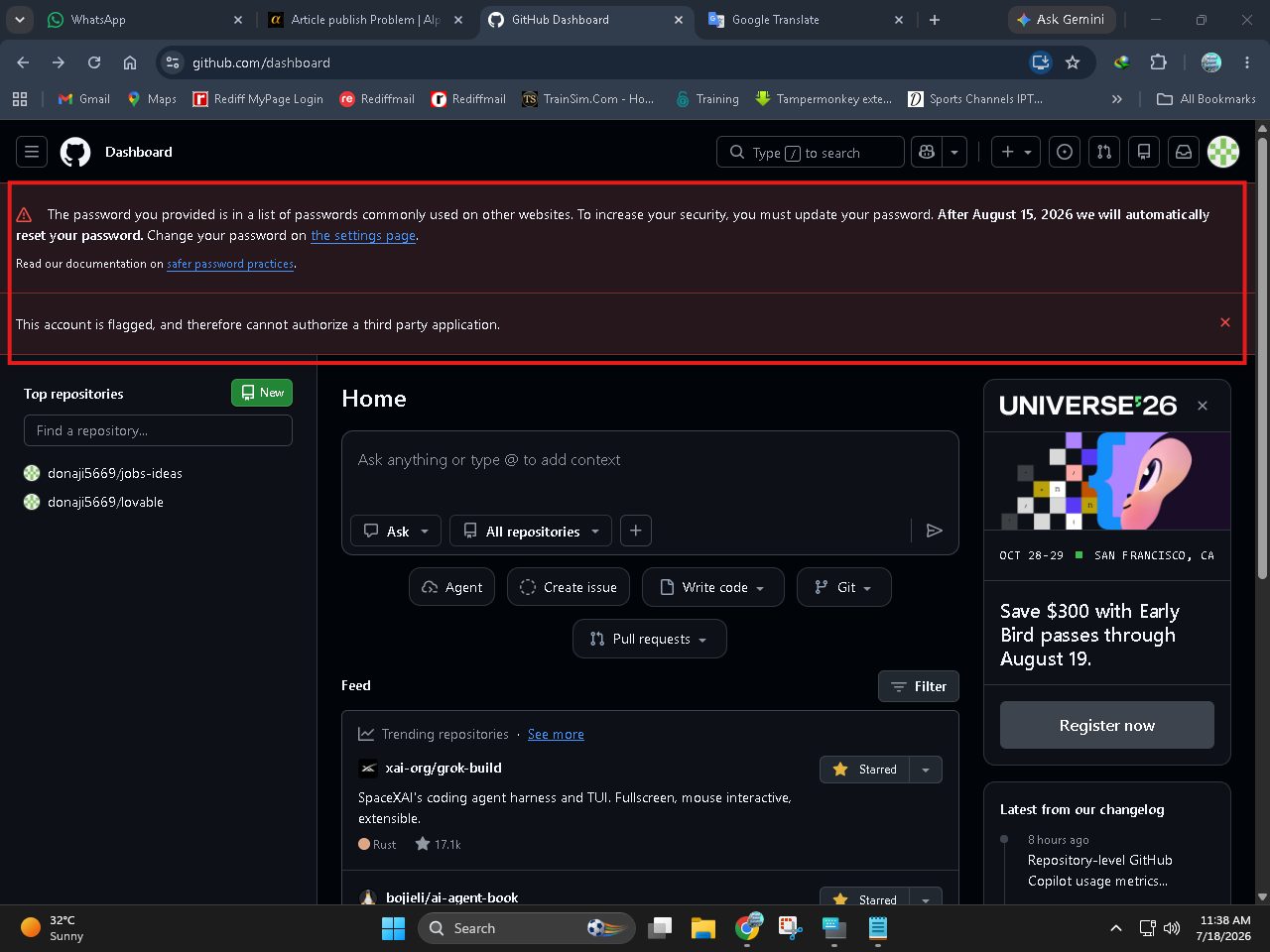
Dear, ye issue directly GitHub ki taraf se hai. Aapka GitHub account unki security system ne restrict ya flag kiya hua hai, jiski wajah se wo kisi bhi app ko authorize nahi karne de raha. Iska best solution ye hai ke aap ek naya GitHub account bana kar connect kar lein, ya fir unki support se contact karke apna account clear karwayein.
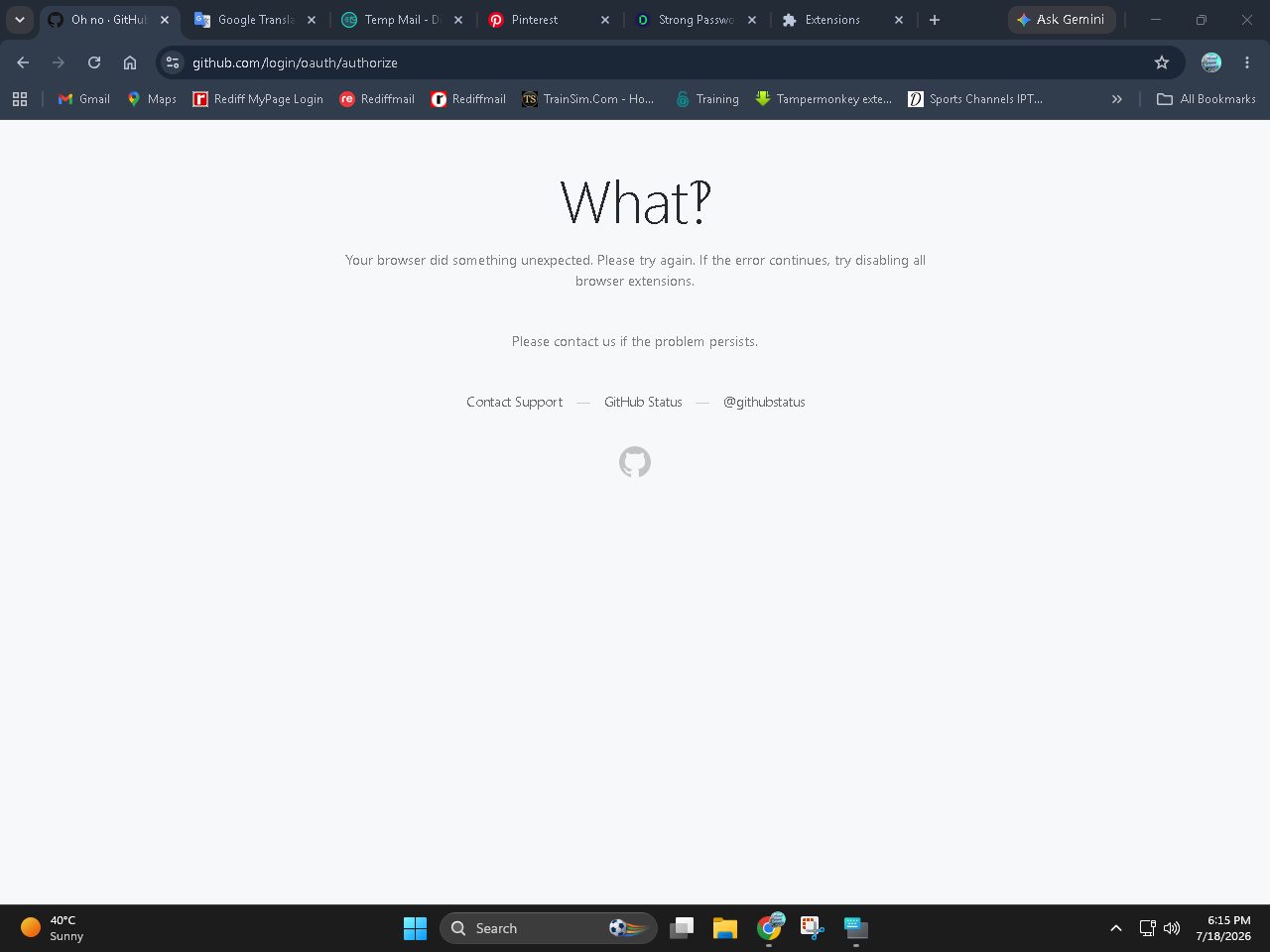
Oh, I see dear. GitHub aksar bilkul naye accounts ko security reasons ki wajah se foran authorize nahi karne deta, khaas tor par agar same IP ya VPN use ho raha ho. Aap ek baar browser ka Incognito mode open karein ya mobile data par switch karke try karein, ye chal jayega.
Oh, ye to bohot bura hua dear. GitHub aaj kal security rules ki wajah se naye accounts ko bohot jaldi suspend kar deta hai agar same IP ya browser use ho raha ho. Iska sab se aasan hal ye hai ke aap kisi dost ka purana GitHub account temporarily connect kar lein, purane accounts par ye issue nahi aata.
Great dear, aap try karein. Agar koi bhi masla aaye ya mazeed help chahiye ho, to mujhe zaroor batayye ga. Main yahin hoon aap ki help ke liye! 😊